
Azure RBAC – Who Gets Access to What? 🔐
Abiola Akinbade
1 min read
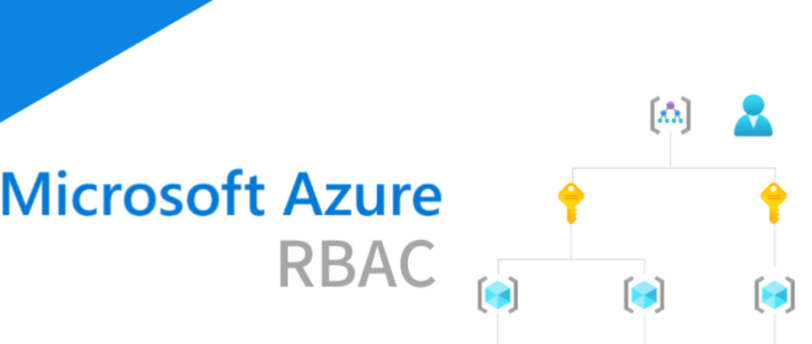
You run a tech startup, and your team needs access to your Azure cloud resources. You don’t want interns accidentally deleting VMs or junior developers accessing sensitive databases, right? That’s where Azure RBAC (Role-Based Access Control) comes in!
🔹 What is Azure RBAC?
Azure Role-Based Access Control (RBAC) is a permission system that lets you define who can do what with Azure resources. Instead of giving full admin access to everyone (BIG security risk! 😬), you assign specific roles based on job function.
Take a look at this very nice one minute video by Arturo Lucatero on RBAC:
https://lnkd.in/dZSap7CX
🔹 Real-Life Example in Nigeria:
🚀 TechAbby.io is starting its blog & services on Azure. Here’s how RBAC would help:
✅ Developers – Can deploy code but can’t change security settings.
✅ Finance Team – Can view billing but can’t modify cloud resources.
✅ Security Engineers – Can monitor threats but can’t access customer data.
This way, everyone gets the access they need—no more, no less. 🚀
Key Azure RBAC Roles include
🔹 Owner – Full control (Can manage access & delete resources)
🔹 Contributor – Can create & manage resources but can’t assign roles
🔹 Reader – Can view resources but can’t modify anything
💡 Task for You
If you had to assign yourself an Azure RBAC role, which one would it be and why? Go to the Azure portal and assign yourself the least privileged Azure role and Comment below! 👇🏾
🔗 Remember: Access control is like Jollof rice seasoning, too much or too little ruins everything. 😆